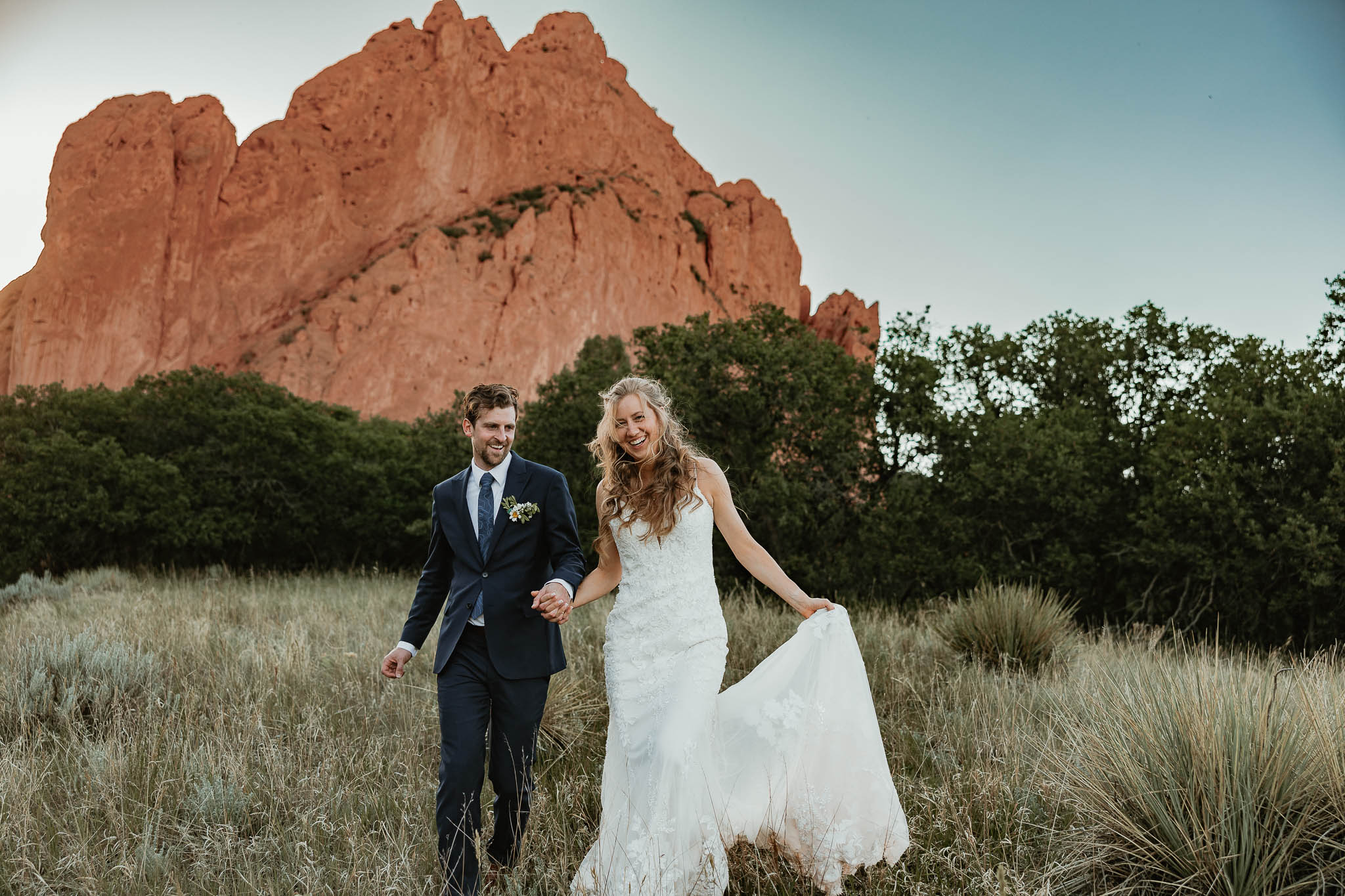
So, you just received your wedding films from Willow Collective Films of Elora Danen Photography, YAY! 🎥 If you’re wondering how to download your wedding film from Vimeo, this guide will help you.
Now that you’ve watched them (probably more than once), there’s one more thing I recommend doing:
Download wedding films from Vimeo!
I know downloading files is not exactly the most exciting part of getting your wedding video, but I promise you’ll be happy you did it. Your films are delivered through Vimeo, which makes them super easy to watch and share with your friends and family. But I also want to make sure you have your own copies saved somewhere you trust.
If you’re not sure how to download your wedding video from Vimeo, don’t worry. I’ve got you!
Here’s a quick step-by-step guide to downloading your wedding films and saving them somewhere safe.
HOW TO DOWNLOAD WEDDING FILMS FROM VIMEO
STEP 1 :: Open your wedding film
Start by opening the Vimeo link you received for your wedding film.
If you received multiple films through your Willow Collective Films experience — such as a highlight film, full ceremony, or full reception — you’ll need to download each video individually.
Pro tip: I recommend downloading all of your films. Your highlight might be the one you watch most often, but you’ll probably want those full ceremony and reception videos someday, too. ♡
STEP 2 :: Make sure you’re on the Elora Danen Vimeo video page
This is an important one!
Make sure you’re viewing the video on the actual Vimeo website, rather than watching it through an embedded video player on another website.
The download option is available from the video’s Vimeo page when downloads have been enabled.
STEP 3 :: Click “Download”
Once you’re on the Vimeo video page, look underneath the video player.
You should see a Download button.
Click it.
Vimeo will then show you the available download options for that video.
STEP 4 :: Choose your video quality when you are ready to download the wedding films from vimeo
You may see several different download options.
These can vary depending on the video, but you’ll generally see different resolutions and file sizes.
If you’re downloading your films to keep as your personal copy, I recommend choosing the highest-quality option available if you have enough storage space.
The higher the quality, the larger the file will be — so don’t be surprised if your full ceremony or reception takes a little while to download!
STEP 5 :: Save the video
Once you’ve selected the version you want, click the download option.
Depending on your browser, the video may download automatically or it may open in a new browser tab first.
If it opens in a new tab, you can right-click (or Control-click on a Mac) the video and choose the option to save the file to your computer.
Once it’s downloaded, I recommend moving it out of your general Downloads folder and putting it somewhere you’ll actually be able to find it later.
Something simple like:
Wedding → Wedding Films → [Your Names]
works perfectly.
STEP 6 :: Repeat for your other films
If you received more than one film, don’t forget to download all the wedding films from Vimeo too!
Depending on your package, this could include:
- 🎥 Highlight Film
- 🎥 Full Ceremony
- 🎥 Full Reception
Download each one separately so you have your complete collection saved.
WHAT IF I DON’T SEE THE BUTTON TO DOWNLOAD MY WEDDING FILMS FROM VIMEO?
Don’t panic!
First, make sure you’re viewing the video directly on Vimeo rather than through an embedded player.
If you’re on the Vimeo video page and still don’t see a Download button, just reach out to me!
I’ll be happy to help make sure you have access to your films.
WHERE SHOULD I SAVE MY WEDDING FILMS?
Once you’ve downloaded everything, this is the part I really don’t want you to skip.
Back them up!
Wedding films are large files, and they’re not something you want to lose because your computer decided to have a bad day.
I recommend keeping your films in at least two places.
Your computer
This is the easiest place to start, especially if you want quick access to your films.
Just make sure you have enough storage space.
An external hard drive
This is a great option for storing large video files without taking up all of the space on your computer.
You can keep your entire wedding film collection together in one place.
Cloud storage
You can also save a backup through a cloud-storage service like:
- Google Drive
- iCloud
- Dropbox
- OneDrive
Just make sure your storage plan has enough space for your video files.
My recommendation?
Two copies. Two places.
For example:
External hard drive + cloud storage
That way, if something happens to one copy, you still have another.
CAN I STILL WATCH MY FILMS ON VIMEO?
Absolutely!
Downloading your wedding films doesn’t mean you have to stop using your Vimeo link.
The Vimeo link is still a great way to watch your films and share them with family and friends.
Think of your downloaded files as your personal backup.
You can watch through Vimeo whenever you want and keep your downloaded copies safely stored for the future.
ONE LAST THING ABOUT WHY YOU SHOULD DOWNLOAD YOUR WEDDING FILMS FROM VIMEO…
I know downloading files isn’t exactly the most exciting part of receiving your wedding films. 😂
But I really do recommend taking a few minutes to do it.
Your Elora Danen Experience + Willow Collective Films doesn’t just end when your wedding day is over. I want you to have easy access to the photographs and films you’ve invested in for years to come.
So:
Watch them.
Download them.
Back them up.
And then go relive your wedding day all over again. ♡
If you ever have trouble accessing your films or downloading your files, don’t hesitate to reach out. I’m always happy to help!
Key Takeaways
- To download your wedding films, start by opening the Vimeo link provided by Willow Collective Films of Elora Danen Photography.
- Ensure you’re on the Vimeo video page, then click the ‘Download’ button and choose your preferred video quality.
- Save your downloaded films in two secure locations, like your computer and an external hard drive or cloud storage.
- You can still watch your films on Vimeo after downloading, as it serves as a personal backup.
- Don’t hesitate to reach out for help if you encounter issues with downloading your films.
